
The MyJLU app is here!
MyJLU will guide you through your studies and on campus. Together you are the perfect team.
- The myJLU app is here!
-
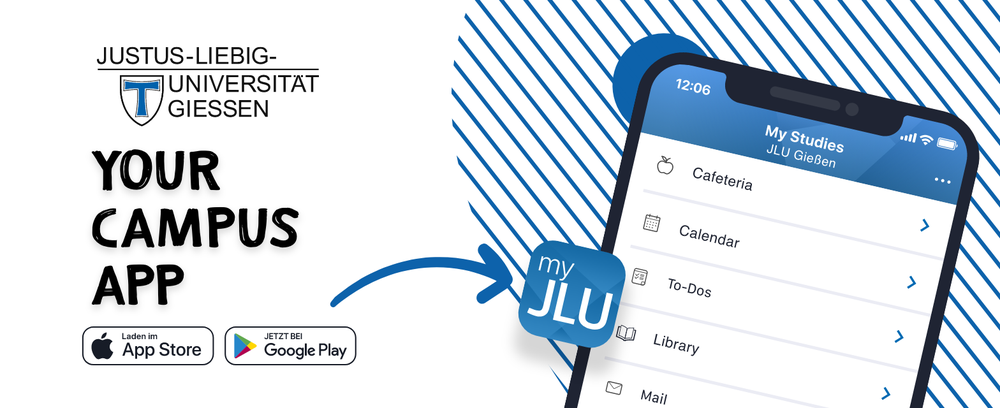
The myJLU app is here! From here on out you can keep an eye on your studies with it. Whether you want to check your e-mail, borrow a library book, or organize your appointments, the myJLU app will help you manage your student life more easily.
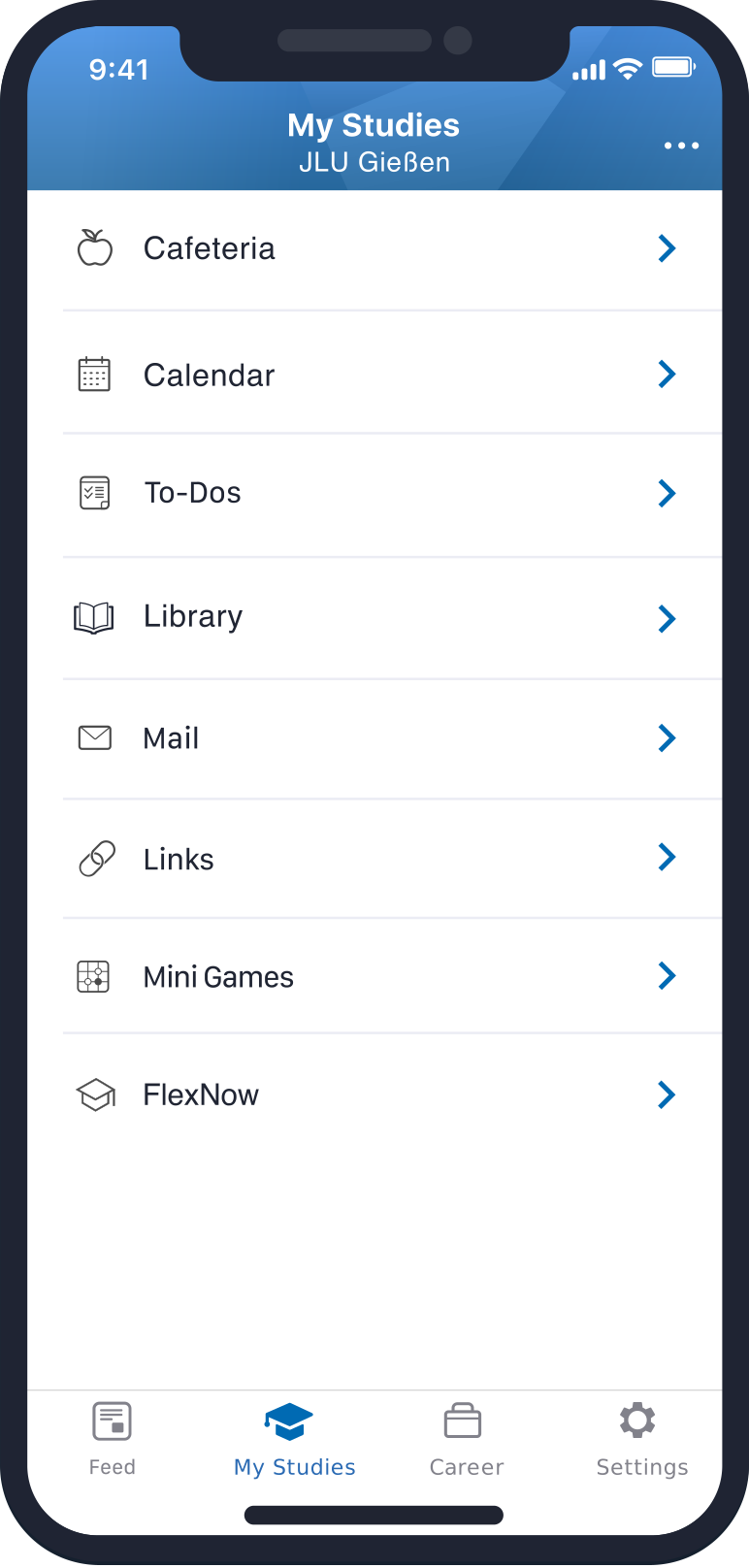


A brief overview of the most important functions:
- Getting hungry? The menus of the cafeteria at a glance
- Don't miss any more appointments with the calendar
- Keep track of all tasks with to-dos
- Keep track of the books you have borrowed from the library
- Don't miss any more mail
- Lost in the university jungle? This list of links will help
- Quick access to FlexNow and your grades
- Short on cash? Take a look at the career portal
- Stay up to date with the news feeds
Frequently Asked Questions:


With these entries, you can log in to your e-mail account without problems:
Name:
Your name
E-mail:
Your e-mail address (firstname.lastname@faculty.uni-giessen.de)
Username:
Your J-, s- or g- identification
Password:
Your password
Please be sure to enter your main e-mail address (firstname.lastname@faculty.uni-giessen.de) correctly. Otherwise there could be problems accessing your e-mails. Registration via your alias e-mail address (shortname@jlug.de) is not possible.
If you happen to have any problems logging in, use the support chat (outlined in red) or write to myJLU .

First load the calendar under 'My Studies'. In the menu (upper right, three white dots), you will find the option 'Import university account'. This field will bring you to Stud.IP, where you can integrate your personal schedule into your account data. Changes to your schedule will also start showing up in the myJLU app.

Under 'Feed' choose the option 'Discover'. There all of the channels of JLU will be shown.
An overview of your subscribed channels can be found in the upper right menu under 'I follow'.
By the way, you can unsubscribe at any time in the channels.
In the support chat (outlined in red), you can find a detailed FAQ and the opportunity to send a message should problems or errors arise.
You can also give feedback in the support chat. However you can also use myJLU .

The app is currently running in trial mode and is being continuously improved. You can send desired features and feedback to myJLU .